Skip to content

Google Business Profile Optimisation & Management in Melbourne

Google Business Profile optimisation is care of one listing: the right category, real services, posts you approve, and replies to reviews. You keep the login.

Illustration of a phone showing a business profile card

Google Business Profile optimisation is this page. Google Business Profile management is the monthly care, and Google Business Profile management Melbourne means the western suburbs. People still search Google My Business optimisation and Google My Business management. Google Business Profile management services here are one listing. For a tradie in Melbourne's west, the listing is often more useful than the website. Someone searching "electrician near me" can call from the map panel and never open a site. A wrong category, no services, old hours, or a quiet profile hands that call to the next result.

WestReach does this for one listing. Setup is A$399. The month is A$349 plus GST. Month to month. The wider local work is on local SEO and local SEO Melbourne. How trades differ is on SEO for tradies.

Formerly Google My Business

Google Business Profile was formerly called Google My Business. Google My Business optimisation is the older name for this same monthly care. It stays on this page.

Google My Business optimisation, in this plan, is not a one-off audit PDF and not a rank promise. It is the setup, then a month that keeps the profile inside Google's rules and visibly active. Relevance, on Google's local ranking page, is how well the profile matches the search. Distance is from the person searching. Prominence is how well known the business is. The same page says there is no way to request or pay for a better local ranking. Ads are a different product. They are not in A$349, and they do not change that organic local order.

Creating a profile is free. Paying WestReach is for the labour of doing it properly and keeping it current. Verifying a listing does not guarantee it will show.

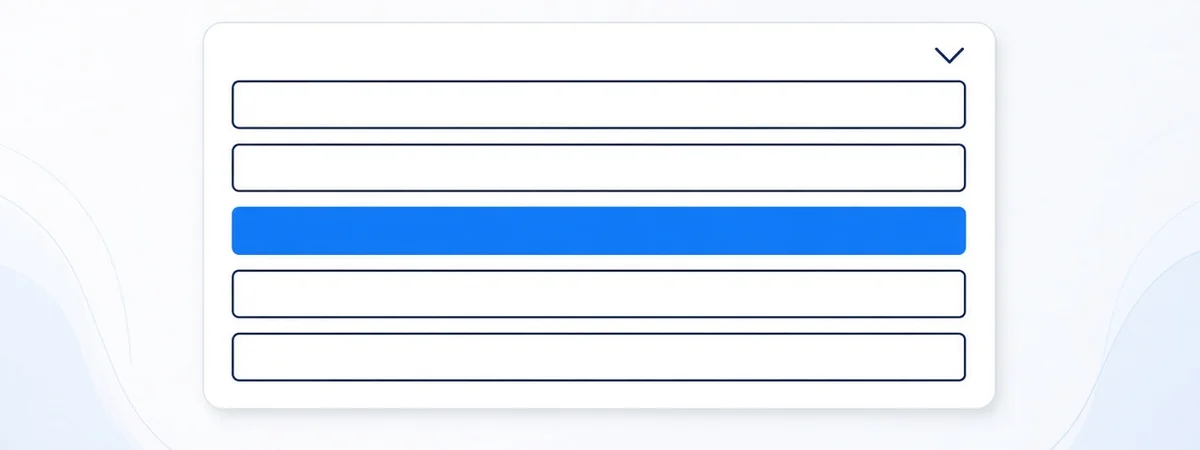
Illustration of a category dropdown with one choice highlighted

How to set up and verify your Google Business Profile

A Google Business Profile setup is free. Google's sign-up guide says customers can find the profile only after verification. Sign in to a Google Account, open the create screen, enter the business name, and search for a category. Say whether customers can visit a location that is staffed during business hours. A storefront adds an address or a map marker. A business without that storefront chooses no, then enters up to 20 service areas by city, postal code, or other area. Google's tip on that page is not to stretch the whole area past two hours' driving time from the business base. Add a phone number and a website, finish, and choose verify now or verify later.

If the profile does not exist, Google's add-or-claim guide says to open business.google.com/add, choose Add your business to Google, follow the screens, and pick a verification option. Adding or claiming costs nothing. If an unverified profile is already on Maps, search the business name and city, then choose Claim this business and Manage now. If another person has verified it, request ownership instead of making a second profile.

Google's verification guide says the methods are chosen by Google and cannot be changed. When they are offered, that page describes phone or text, email, a live video call, and a postcard. It also says that if a business is eligible for video verification, Google recommends that option. Which methods appear depends on the business, its public information, region, and hours. A postcard, when offered, usually arrives within 14 days, and the code expires after 30 days. Do not change the name, address, or category while that code is in the mail, and do not share the code. Google says the review after you submit can take up to five business days. A service business should keep one profile for the metropolitan area it serves and hide an address customers do not visit.


Features worth using

The profile can hold services, photos, posts, questions, and reviews. Those are in this plan: services you actually offer, photos of your work, up to four posts you approve, a plain answer to a question if you want one drafted, and replies to up to eight reviews. Booking and messaging are Google features. We switch them on only when you already take bookings or messages that way. We do not invent a booking button. Products belong on the profile only if you sell products, not as a second list of the same services.

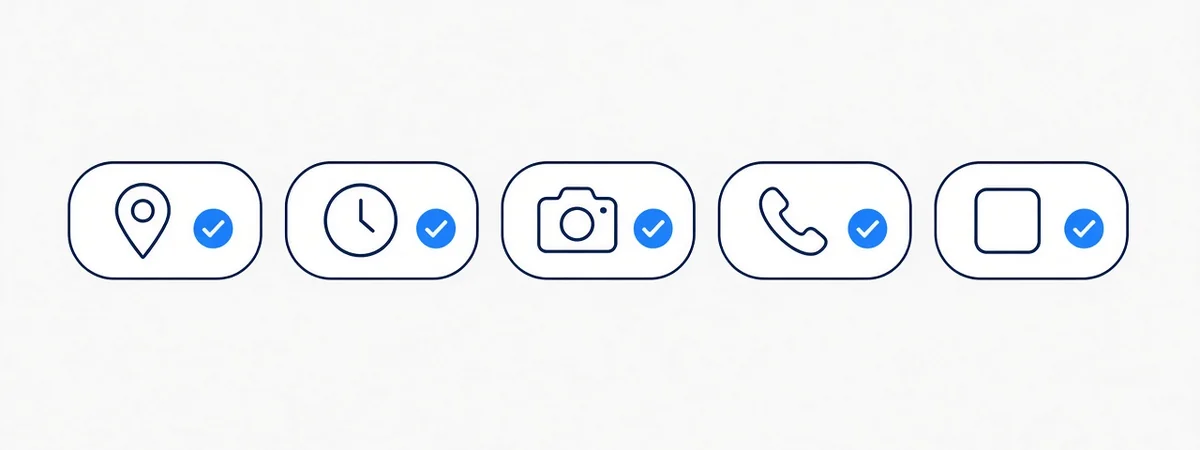
Illustrated setup checklist for a business listing

How the category is chosen

Google's category help says the categories you select affect local ranking, and it tells you to pick a specific category from the dropdown. You cannot create your own. Additional categories are for real parts of the business, and the help page says to use a few, not one for every product or service. A grocery with a bakery is the example they give. A tradie with ten job types is not ten categories.

So the primary category is the most specific label in that account's list that truthfully finishes "this business is a…". For many electricians the label to look for is Electrician. For many roofers it is Roofing contractor. If the Australian dropdown does not offer that exact string, we use the closest specific trade it does offer. We do not paste "Solar energy contractor", "Electrical installation service", "Lighting contractor", "Gutter cleaning service", or "Roofing supply store" from a blog. Those names are not published as a guaranteed Australian set on Google's help page. A second category is added only when it appears in your dropdown and describes the core of the business.

Jobs such as a panel upgrade, a leak repair, or gutter cleaning can be services under the primary category. They do not each need a category of their own. Google's developer documentation shows service types under a category in a US sample. That sample is not an Australian category list, so we do not treat it as one.

Changing a category can trigger a fresh verification. We warn you before we save it.

What setup includes

Services and service area

We list the services you offer, in customer words, and we leave off the ones you do not want calls for. The service area is the suburbs you cover in the west, not all of Victoria. If you work from home, the listing is a service-area business and the home address stays hidden. No PO box, no virtual office, no co-working pin unless customers can actually find your staff there during the hours you publish.

Business details

The name is the registered name. Keywords in the name or the address break Google's representation guidelines. Hours match the phone that is answered, including after-hours only if you offer it. The website link is the real site. The description says what you do and where, without a suburb list crammed into the name field.

Photos

Photos are of your van, your tools, and your jobs. No stock roof, no stock switchboard, no face presented as a client. Street numbers and identifiable house details stay out of the frame. Google asks for images that represent the real business. We follow that. We do not publish a pixel size on this page that we have not copied from the current photo-spec article into the source log.

Consistency

Name, phone, and website are checked against the main directories. Three different numbers teach both Google and the customer not to trust the profile.

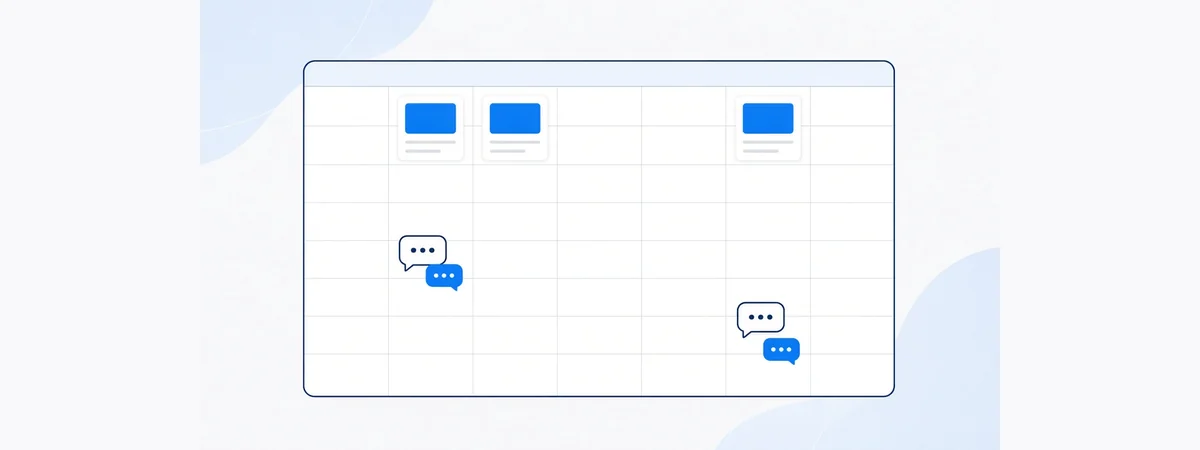
Illustration of a month of posts and review replies

What the month includes

A$399 setup + A$349/month plus GST.

Up to four posts. You approve each one before it goes up. Unused posts do not roll over. Offers, if you ever run one, need a real title and real dates. We do not invent an offer to fill a slot.

Replies to up to eight reviews within two business days. You approve any reply to a negative review. We do not buy reviews, write them, or trade a discount or free work for a review, a change, or a removal.

Small fixes: a suggested edit that is wrong, holiday hours, a phone that changed. One numbers page from Google's own data: calls, website clicks, direction requests. If the month is empty, the page says so.

You keep the login. Manager access is an email role you can remove. We never ask for the password.

Reviews, questions, and suspensions

The practical way to get reviews is a link or a QR after a real job, offered to the customer with no incentive. Incentives are against the contribution rules. We will not ask you to break them.

Questions on the listing get a plain answer if you want one drafted. We do not stuff keywords into the answer.

The public and Google can suggest edits. Some are wrong. Each month we look. A suspension often follows a stuffed name, a fake address, or a duplicate profile. Staying inside the rules lowers that risk. If a suspension happens, we help you through Google's reinstatement process. We do not guarantee Google will restore the listing.

Service-area businesses

Most tradies go to the customer. The profile should say that. Hiding the home address is the correct setup, not a penalty. A second profile "for Werribee" when you already have one profile is a duplicate. One location, one profile. Five councils do not mean five profiles.

The numbers page, and doing it yourself

The page has three counts and a sentence if a count is zero. It is not a dashboard with a rank tracker. You can read Google's insights yourself for free. The A$349 is for the posts, the replies, and the fixes happening when you are on the tools. A side-by-side:

You do itWestReach
CostYour eveningsA$399, then A$349 a month plus GST
CategoryYou search the dropdownWe set it with you and do not invent labels
PostsWhen the week allowsUp to 4, approved by you
Review repliesWhen you rememberUp to 8, within 2 business days
OwnershipYoursStill yours

Where this fits

Local SEO is the larger job. This page is the listing. Suburb pages describe the places: Werribee, Point Cook, Truganina, and the rest linked from local SEO Melbourne. Trade specifics are on plumber SEO, electrician SEO, and roofer SEO. Price rows are on pricing.

Posts, questions, and edits in practice

A post is a short update on the profile. Four is the ceiling, not a quota we fill with filler. If you had two real jobs worth showing, we draft two. A post about an offer needs a real title and real dates. We do not invent a "10 percent off gutters" week to keep the cadence. Photos in the post follow the same rule as the profile: your job, no street number, no customer's face used as proof.

People can ask questions on the listing. A useful answer is short and true: whether you do that job, which suburbs, how to call. It is not a paragraph of suburbs. If you would rather not answer, we leave it. We do not post questions to ourselves.

Suggested edits arrive from Google or from the public. A wrong hour or a wrong category can go live if nobody looks. The monthly pass includes that look. If an edit is right, we leave it. If it renames you into a keyword, we revert it and tell you.

Service-area setup is the default for a van. Customers visit you only when there is a real counter they can stand at during published hours. A co-working desk and a PO box do not qualify. One profile per location. A second profile for the same electrician in a second suburb is a duplicate, which is a common path to a suspension.

The free check lists these items in sentences. It does not score you out of 100. It also does not compare you with the three listings currently above you. We do not have a rank tracker in this plan, and we will not describe a competitor's review count as if it were a target.

A free look before you pay

Book a free listing check. You get a plain list. Setup is optional after that.

Questions

Is Google My Business still the name?

The product is Google Business Profile. People still search the older name. This page answers that search. The work is the listing.

What does setup cost?

A$399 plus GST, once. The month is A$349 plus GST, one listing, month to month.

Do I give you my password?

No. You keep the login. We are a manager.

What category should I pick?

The most specific trade in your dropdown that describes what the business is. Do not invent a category the list does not show. Extra jobs can be services.

Can you remove a bad review?

No. We do not remove reviews and we do not pay anyone to change one. We can draft a reply for you to approve.

Will optimisation put me first?

No. Google says you cannot pay for a better local rank. We guarantee the tasks, not a position.

What if I have no website?

The listing can still be set up. A website is not included in the fee. If you have one, we note clashes. We do not build a replacement.

How do I start?

Book a free listing check. If you have no profile yet, we can create it in your name during setup. Go to Google's own business signup if you would rather do that step yourself.

Book a free listing check

Book a free listing check